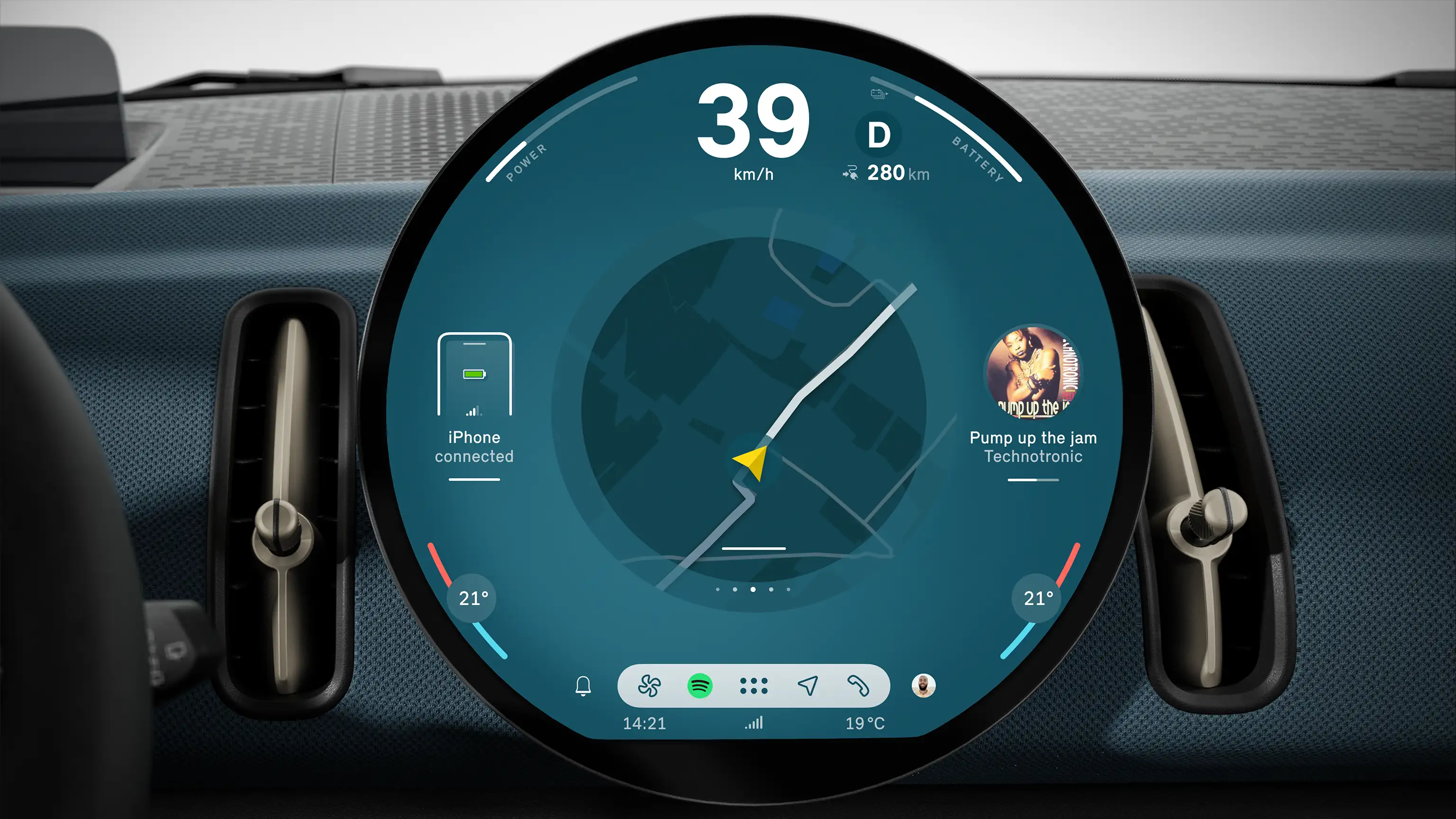
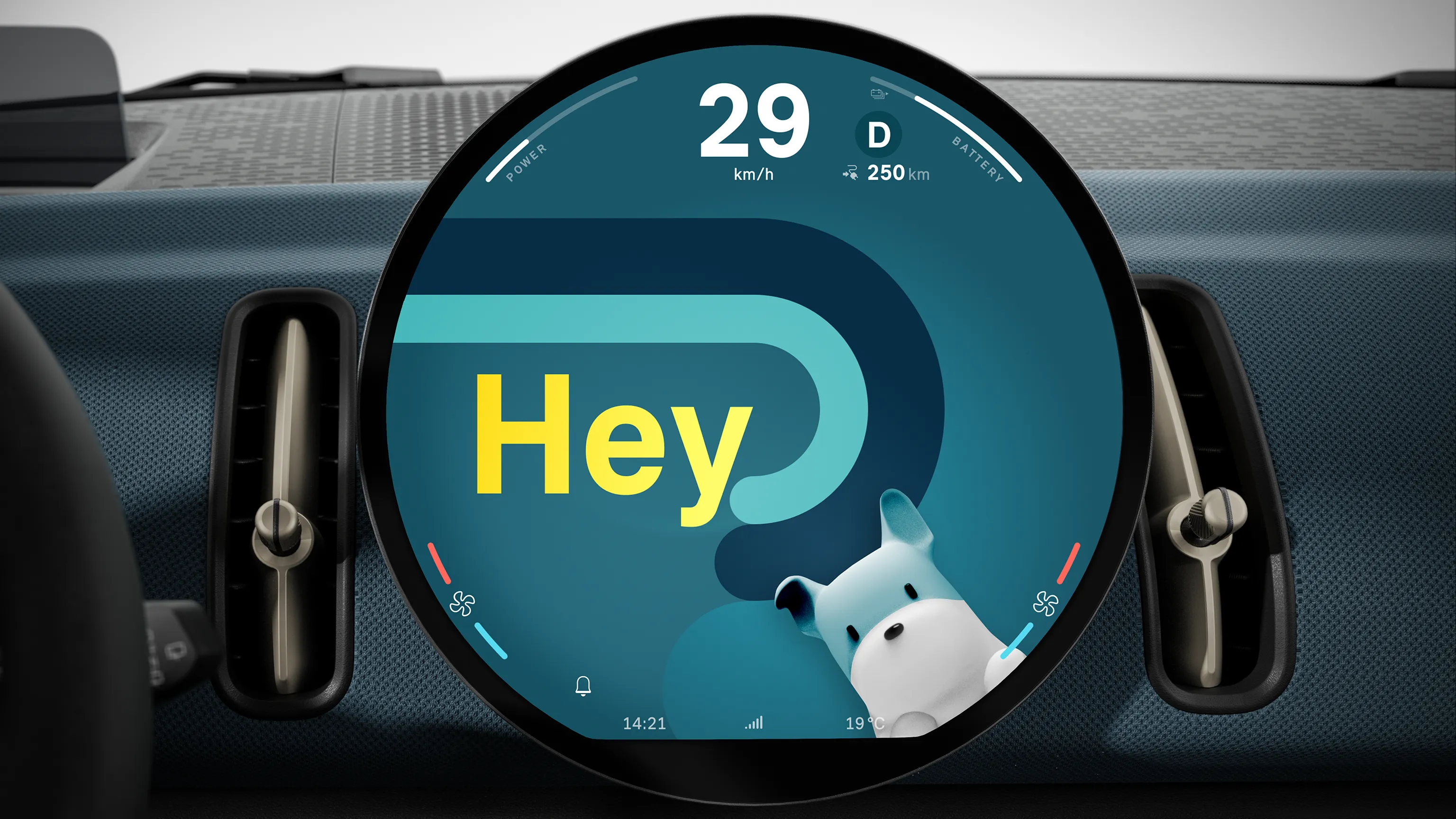
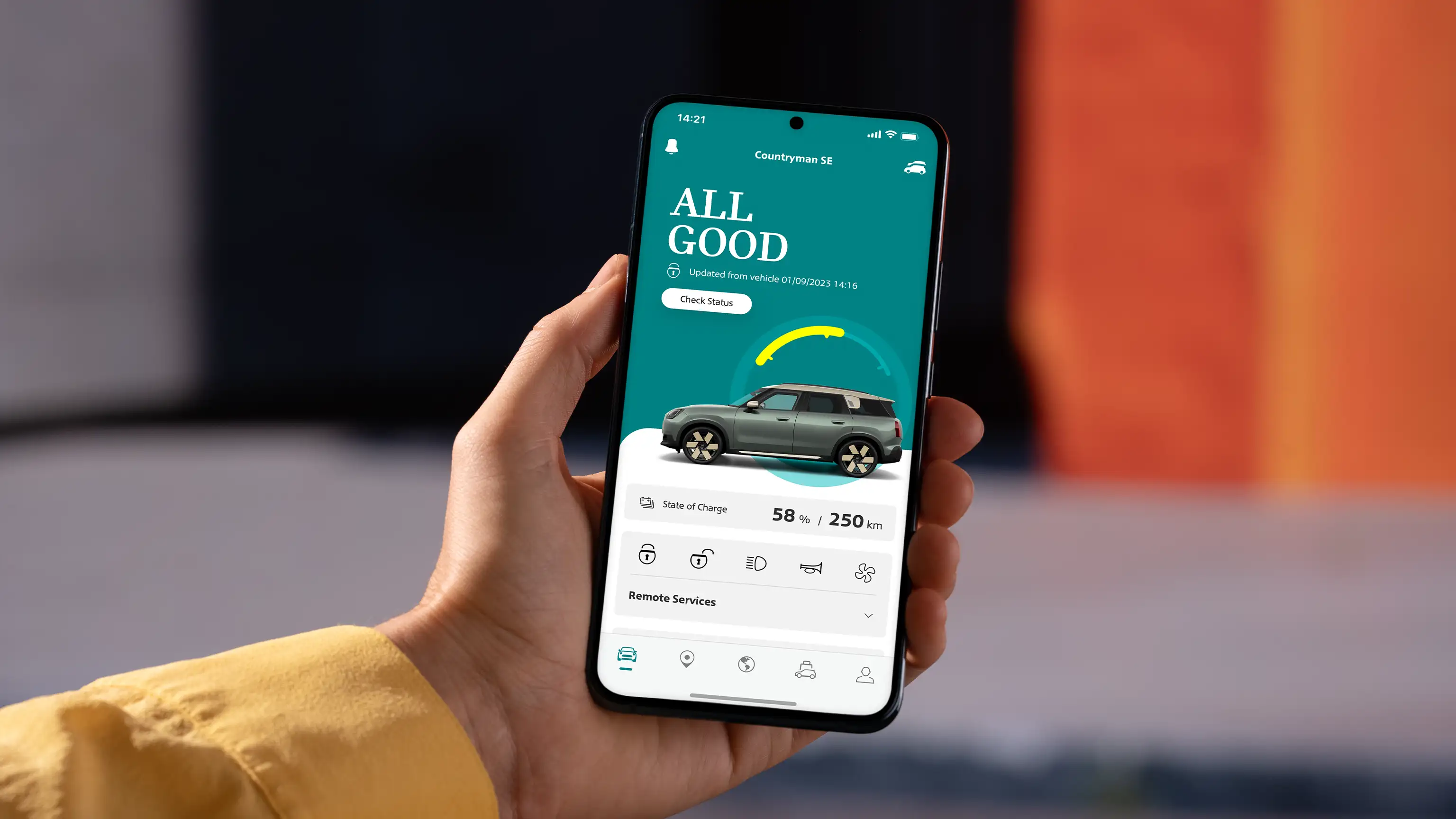
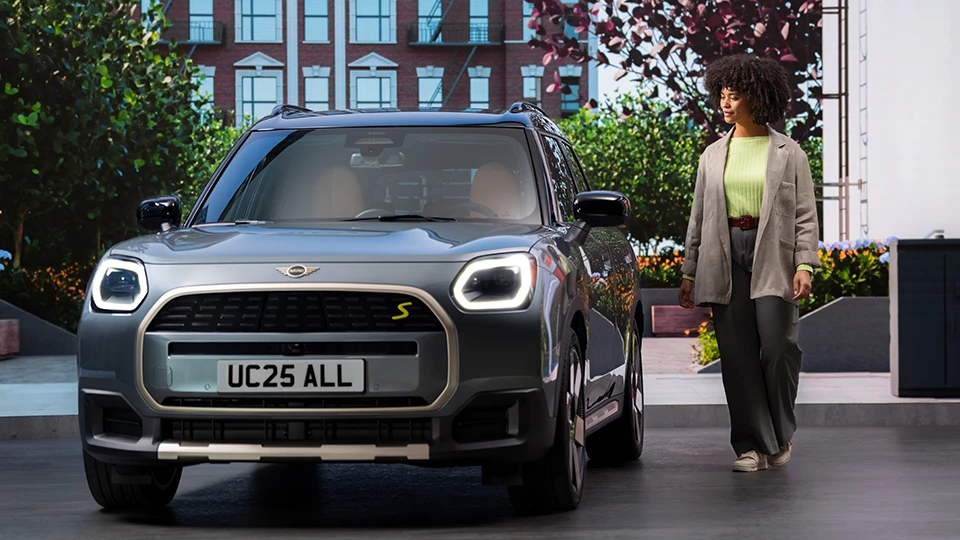
Depending on the country of delivery, model and equipment, you can air-condition, heat or ventilate your MINI immediately or at a departure time via the Remote Services in the MINI App.
*The option to "Ventilate" the car is where you can remotely turn on the fans, but this won’t be warm or cool air.
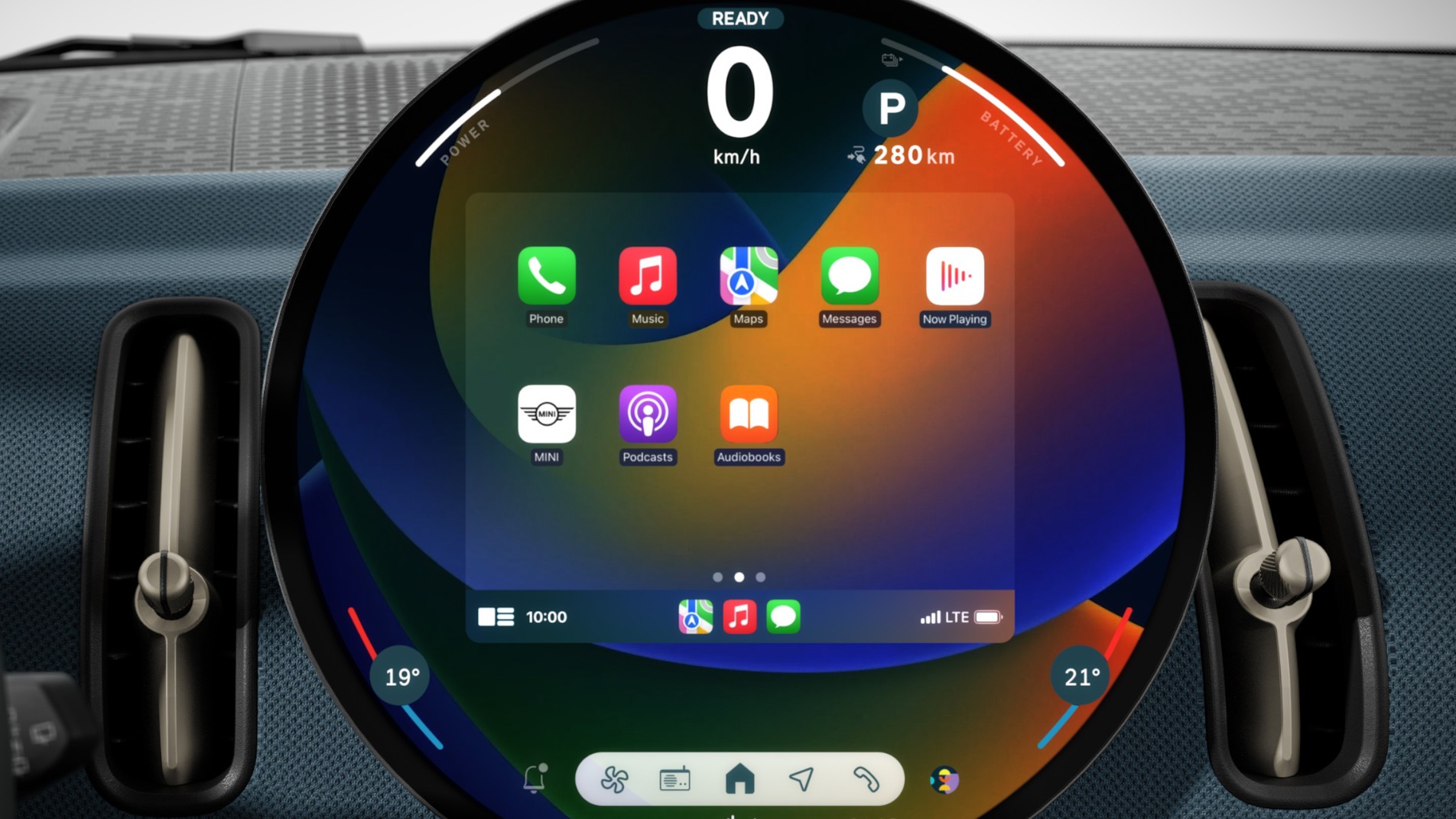
The automatic air conditioning cools or heats the interior to the temperature last set in the vehicle. To air-condition your MINI immediately, tap the fan icon in the "Vehicle" tab. To start the climate control, heating or ventilation at a departure time, select "Plan ventilation" ("Remote Services" menu), set a departure time and send it to your vehicle.
For your MINI electric or plug-in hybrid vehicle, select "Vehicle" (tab) > "Charge & Climate settings" ("Charging" menu) > "Preconditioning for departure" ("Charge & Climate Timer"). Please note: Your smartphone and your MINI require a sufficient mobile connection to run the Remote Services. The battery of your vehicle must be sufficiently charged.
You have the option to plan ventilation for 24 hours or weekly. To cancel your planned ventilation time, simply untick your selection.